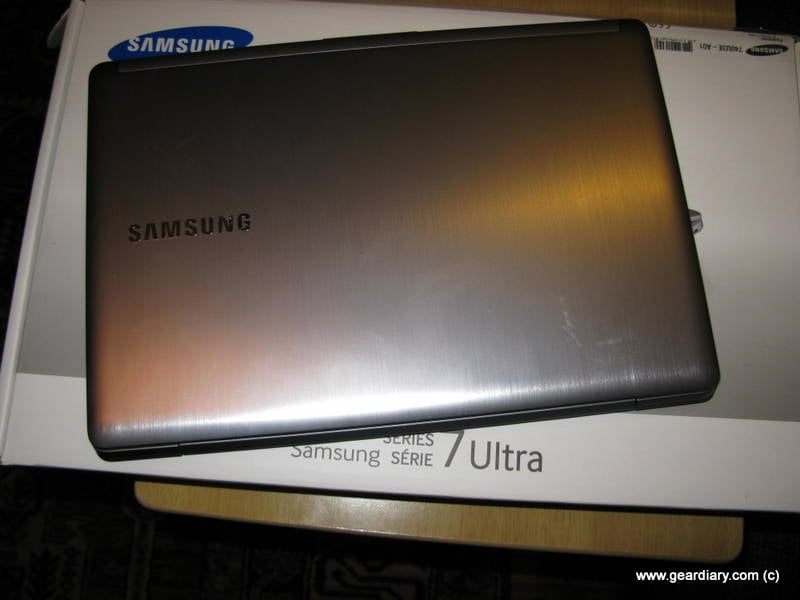
Samsung Series 7 Ultrabook Review – Sleek, Stylish and Powerful!
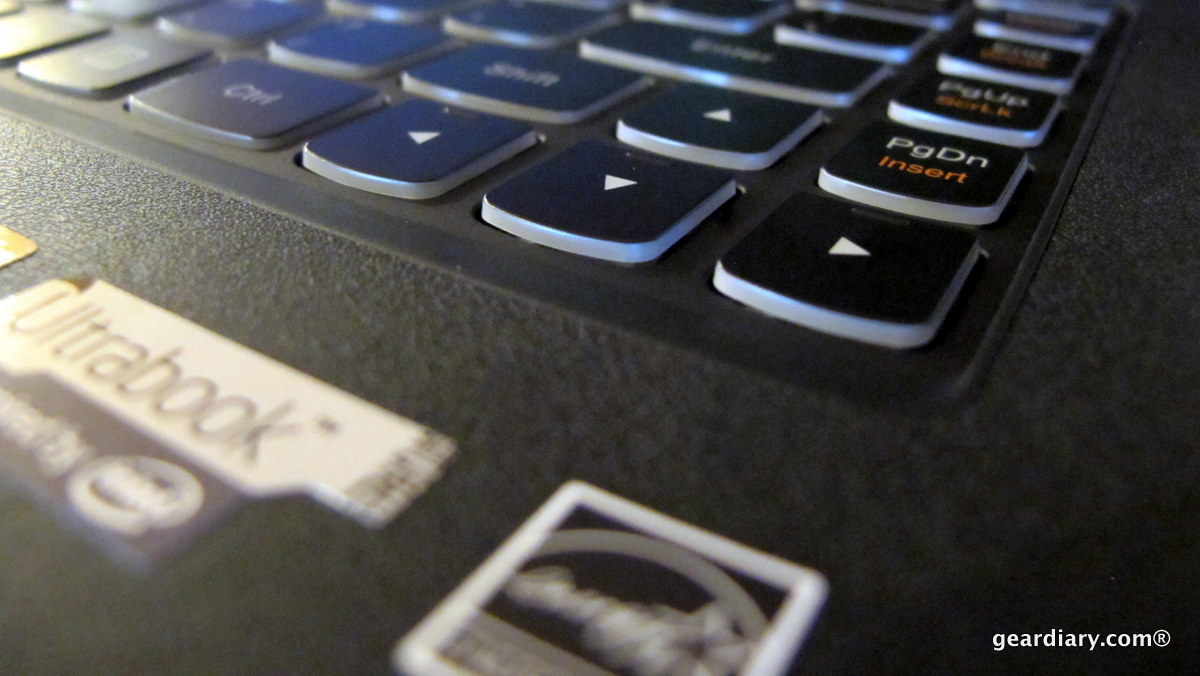
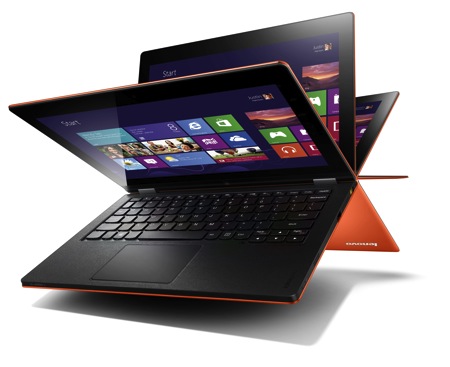
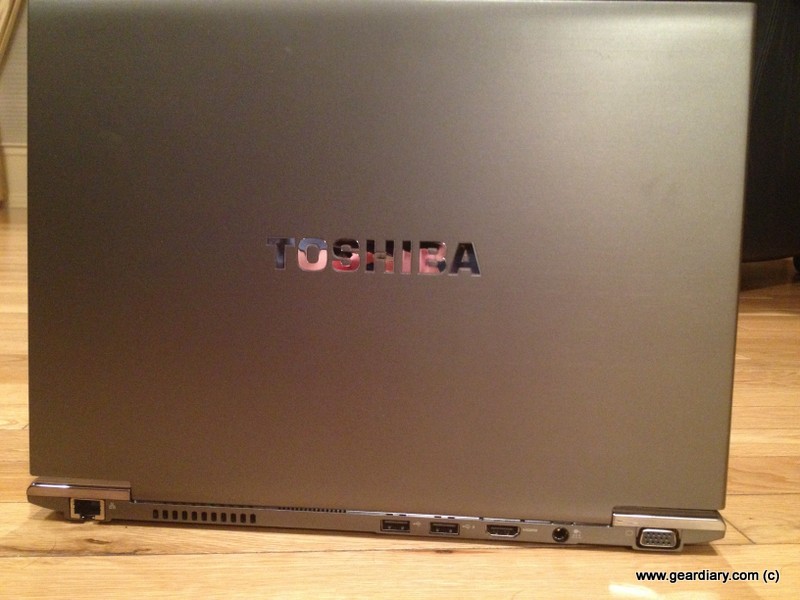
Samsung is an absolute powerhouse in the technology world. But aside from a rather disastrous Windows Mobile phone a few years ago, I’ve never experienced firsthand what makes Samsung stand out from the crowd. After spending a few weeks working with the Samsung Series 7 Ultrabook though, I’m starting to see why they succeed — this Ultrabook is sleek, stylish and powerful!