
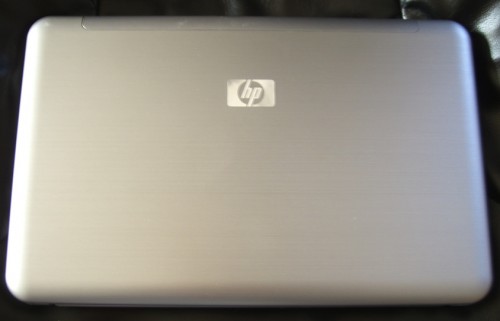
I’ve been enjoying using the HP 2140 Mini Note. It’s small, light, and quite easy to use thanks to its near full size keyboard. My unit came with a three cell battery which allows the unit to maintain its low profile.
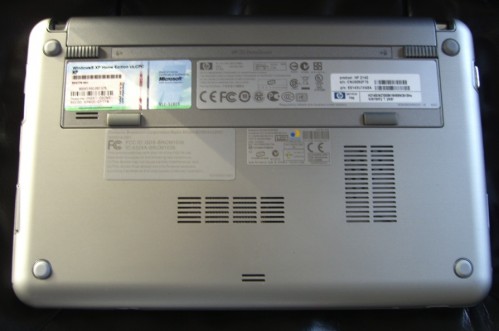
The downside of this small battery is that, even though the 2140 has far better battery life than its predecessor the 2133 (which got just two hours and 15 minutes!) there is only so much that a three cell battery can do.
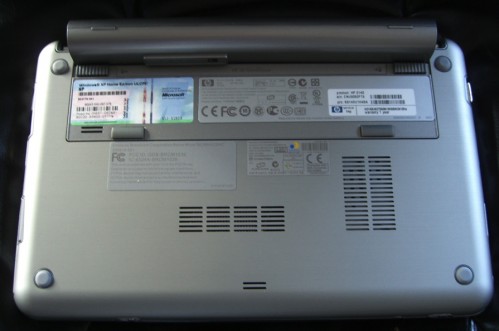
While the same six cell battery that works with 2133 fits perfectly in the 2140 and doubles run-time, in both cases it adds a significant amount of weight and an awkward bulge to the device. Why then, you might wonder, did I order a six cell battery? The answer is rather simple.
According to Laptop Magazine’s tests, the 3 cell battery gets a solid 3 hours and 32 minutes. (Note that THAT is with a mechanical hard drive. Mine is running an SSD so I will likely see more than that.) That is impressive for a 3 cell battery but it isn’t enough for me since many of my work days are 10-14 hours long.
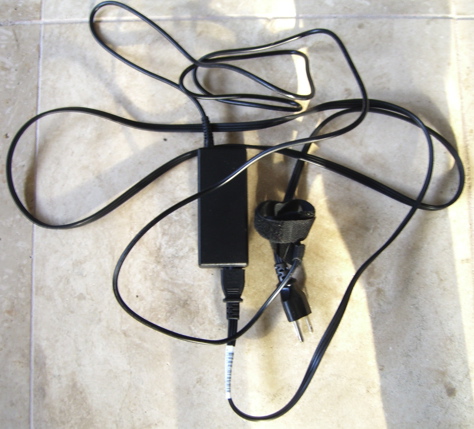
As a result I would need to carry the 2140 with the 3 cell AND this…
There is another option, however. According to Laptop Magazine’s tests the system lasts over 7 hours with the 6 cell. That means that by carrying the 3 AND the 6 cell batteries I will get OVER 10 hours of run time- more than enough for even a busy day.
So tell me- which would you rather carry?
This…
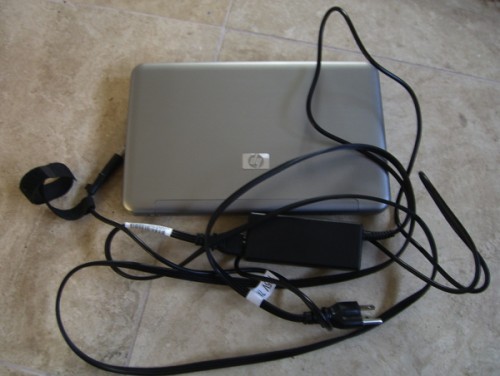
Or this…
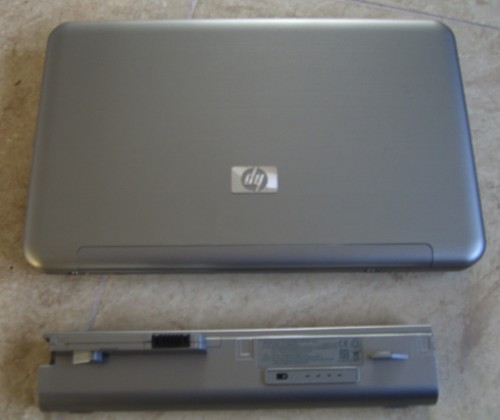
While I prefer the slim/light 3 cell battery over the added bulk, I am more than happy to have the 6 cell battery available for those times when I need it. And the wall charger? That will be staying at home 99% of the time.

Extended batteries are awesome (you start wondering how you got by with the smaller battery after a while) but I have to say I don't really get the design concept of this one. Sure, it elevates/cools your laptops when using it, but for transportation, that looks majorly bothersome!! My extended battery extends my laptop (by no more than, what 2 centimeters) in the front–it still fits fine into its neoprene case, hardly changed the shape of the laptop, and gives me a wider handrest. Seems a better solution to me, because the point of an extended battery is to carry your laptop around XD
I wasn't fond of the 2133 but I keep finding myself fondling the 1000 at J&R. Even this review has excited me:
http://www.notebookreview.com/default.asp?newsID=…
Is there a 6-cell for the 1000? And how do you charge both batteries?
I just got my 2140 and tried to load my printer (HP Photosmart D7460) and got error that resolution did not meet minimum requirements for software to run. Resolution on 2140 is 1024×576 and software requires minimum 800×600. How can I install my printer. Is there a fix or new driver to increase screen resolution?
Sorry I missed your post, but here's the fix:
(doing it on an XP box, so adjust for Vista as needed)
Right click/ Properties/ Settings/ Advanced/ Monitor/ UNCLICK "Hide Modes that this monitor cannot display"/ Click Apply/ Click OK
In the Settings Tab
Change Screen Resolution to something higher
Install printer driver
Right click/ Properties/ Settings/ Advanced/ Monitor/ CLICK "Hide Modes that this monitor cannot display"/ Click Apply/ Click OK
All done! 🙂