
As I’m sure many of you know Apple have announced their latest refresh of the iPod Touch and iPod nano lines, and while neither were really overhauled the nano picked up a few more features than its big brother.
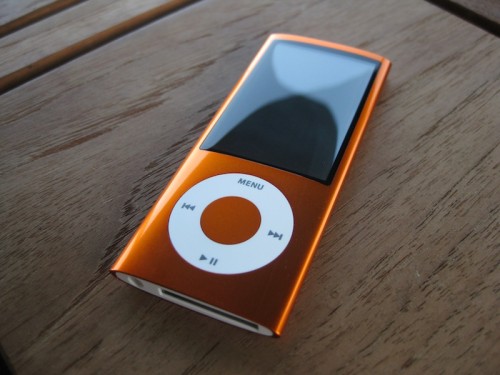
It’s been widely speculated that the iPod line-up would gain cameras, but the rumours were only half right, with the Nano squeezing in a VGA 30fps camera, whilst the Touch had to make do with a performance boost and higher capacities.
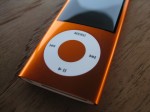
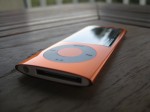
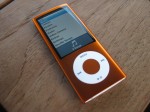
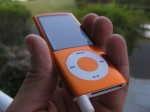
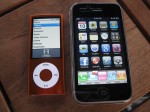
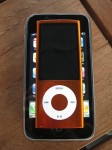
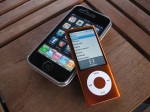
The look hasn’t really changed much, with the same basic design of the 4th generation Nano. It is still super slim and super light, but fits a slightly larger 2.2″ display, which is wider and has a higher resolution than before. Now at 376×240 instead of 320×240, widescreen videos are bigger and result in less black bars than before, however it is still a very tiny screen, and if you are looking to watch anything longer than short TV episodes or podcasts I’d recommend picking up a Touch.
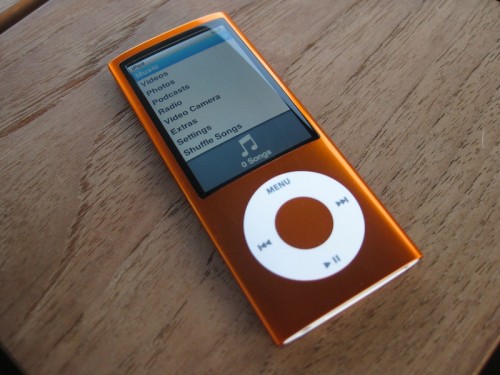
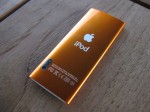
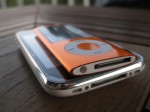
The case now has a glossy feel instead of bare brushed aluminium, which feels just as slippery in your hand. Fortunately it can be caught and suspended by the headphone cord, so Nano’s hitting the deck should be kept to a minimum.
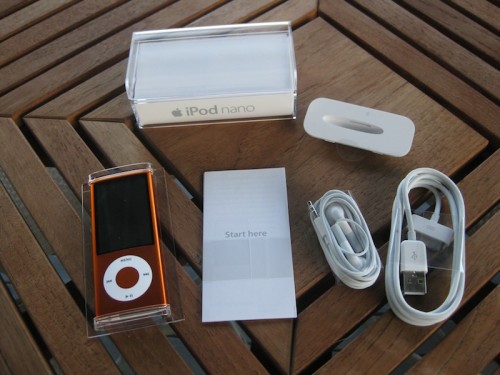
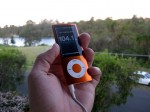
As before, a bold palette of colours is available so there is one for everyone. The 16GB model I was sent was finished in a burnt orange that changed shades in the light. While I may not have chosen it myself, it is certainly a good looking colour and would be hard to lose.
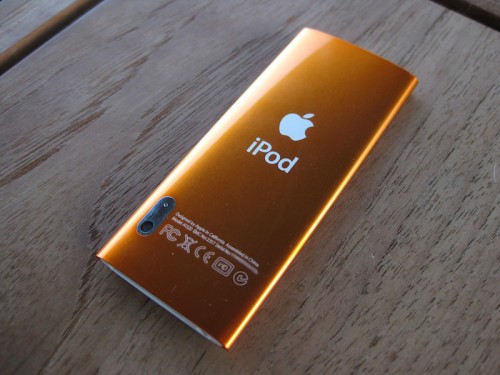
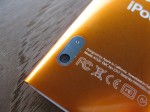
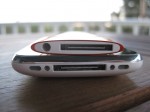
Flip the Nano over and you will find a tiny camera lens with a tiny microphone surround by chrome. The positioning feels a bit awkward to me, as holding it with my left hand (so as not to cover the screen) resulted in my fingers getting in the way. I’d say this was for engineering reasons (aka. not enough internal room behind the display).
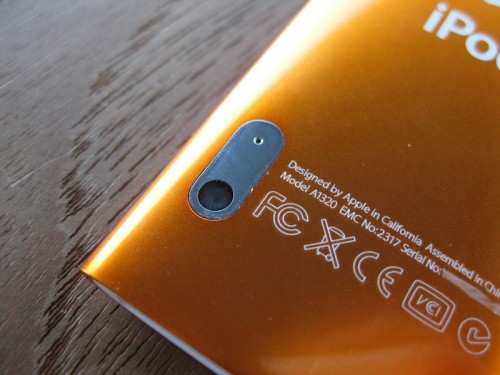
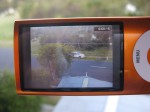
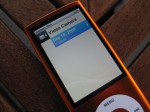
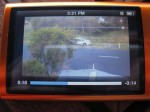
The Nano shoots VGA (640×480) video at 30fps, the same as the iPhone 3GS, which is pretty remarkable considering the size of this device. Resolution and frame rate are only part of the story, as many camera phones have demonstrated, and the Nano isn’t about the set records for video quality.
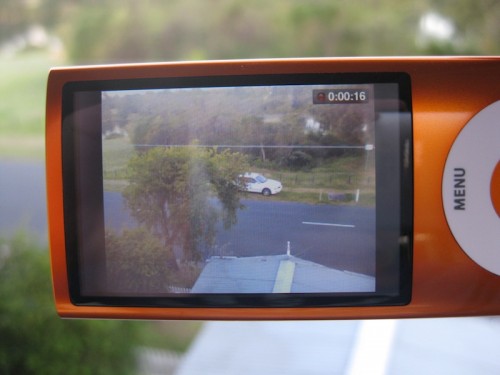
They lack a bit of detail and are a bit desaturated, which is slightly disappointing, but it adjusts to fluctuations in light very well and doesn’t get all blurry even when getting in close to objects. The microphone is sufficiently omnidirectional to pickup sound all around the Nano, and is quite clear and crisp.
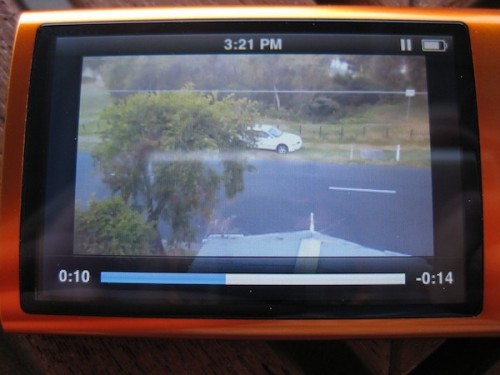
The quality won’t really bother most users who shoot some video, since it is good enough for posting on websites like YouTube, and it means many will now always have a reasonable video camera on hand should the occasion arise. I can see a lot of kids loving this feature, I know my 10 year old sister would.
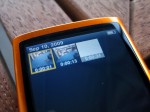
When playing back videos you don’t have to keep it all to yourself, as the Nano has a tiny speaker for playback of videos, music and recordings. It’s far from loud, but gets the job done.
Oddly while the Nano can take video, it can’t take photos. Even if they were limited to VGA it would have been nice to have the feature, but as is typical with Apple it will likely show up in a future firmware update.
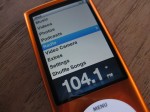
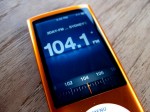
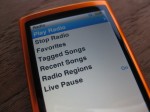
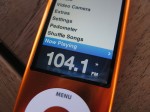
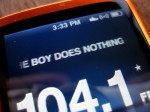
The other big feature (when it comes to iPod anyway) is the addition of an FM Radio, something many have lamented for a long time. Like phones and other media players with FM built in, the Nano requires headphones to get a signal. What did surprise me is how good the radio in this thing is! I have rather poor FM reception where I live, and the Nano managed to pickup a much better signal than any phone with an FM radio that I have tried. Outside the audio was clear, and using RDS the Nano displayed the station and track names right on screen!
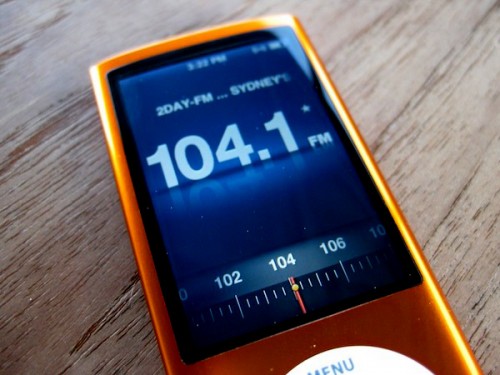
Tuning the station in was a bit of fun, with an old style analog needle scrolling along the band at the bottom.
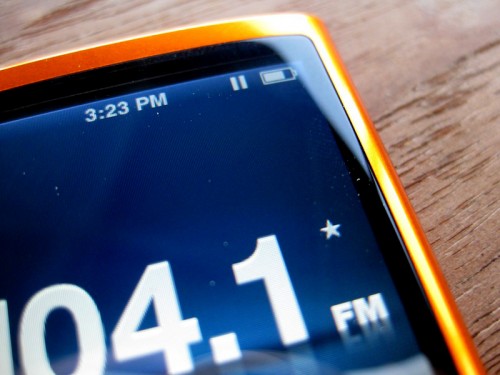
Apple have included a feature they call Live Pause. It’s the same sort of thing as pausing live TV on your DVR, only this is for FM radio. As soon as you open the radio it starts recording, allowing you to not only pause but to rewind live radio.
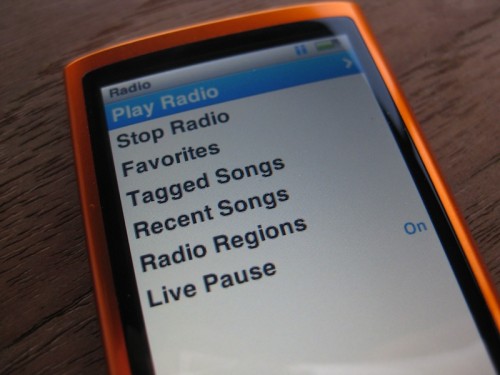
The time-slipping works really well, and can be handy if for instance you are listening to the radio at work and have to talk to someone. Simply pause the radio and pick up straight where you left off.
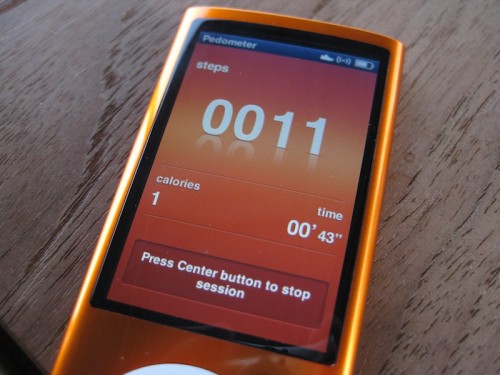
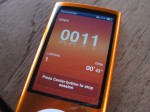
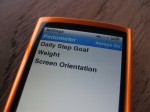
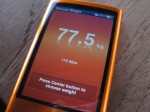
Nike are back in step, this time with a built-in pedometer in addition to the optional transceiver you stick in your shoe. You have the option to selectively activate the pedometer or have it going 24/7, and set a daily goal to reach.
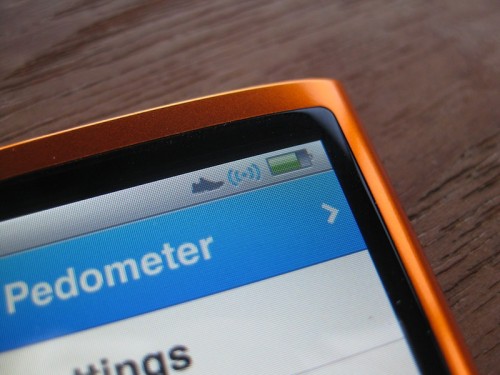
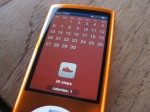
Your history can be viewed right on the iPod, collating your steps for an entire day so you can see how you are progressing. Considering how tiny and light this thing is it certainly wouldn’t be a burden when going out for a run, so may as well use it!
Aside from these features not a lot has changed. Is it worth the upgrade for a 4th Gen Nano owner? Probably not, not unless you really want a camera built-in, or like to listen to the radio instead of your own music library. For new buyers however, the Nano just became even sweeter.
It’s also worth noting that while the headphones included in the box don’t have a remote on them, you can use headphone designed for the iPhone and the button will function in the same way, allowing you to play/pause, skip tracks and adjust the volume. It’s disappointing the headphones with remote aren’t included, but it is worth picking up a set, makes controlling the iPod when on the move so much easier.
You can find out all about the new Nano on Apple’s website
MSRP: us$149/AU$199 for 8GB, US$179/AU$249 for 16GB
Pros: Value just keeps getting better, larger, wider screen, FM radio, colour choices, video camera
Cons: Can’t take still shots, camera position
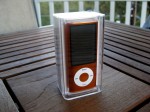
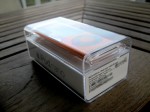
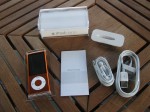
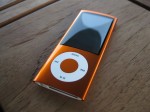





Very nice look, Mitchell! This really is a wonderful low-end media player that does just keep getting better and better.
Great review Mitchell! I think I can say that one of these beauties is definitely in my future. The upgrade is nothing spectacular, but considering I need to replace my 3rd gen nano fatty, this will do the job nicely.
It is a nice update to the nano when placed “nano a nano”.
Like the color and the finish.
The video is a cute addition that makes you really appreciate what the iPhone’s camera offers.
If you have used the iPhone’s video you not only appreciate the camera but you immediately realize how amazing it is to have the ability to wirelessly upload your video after trimming.
The position of the lens is not great.
If the video camera added to the cost it would be a fail but since it is “free” it is okay.
Very Nice, Might considering giving up my shuffle for the extra features..
I showed this to my wife and kids last night and they were gaga … they all have ‘Nano fatties’ and my younger son has an original Flip Video … the thought of grabbing this combined 16GB system for $20 less than we paid for their 4GB Nanos less than 2 years ago is really cool.