
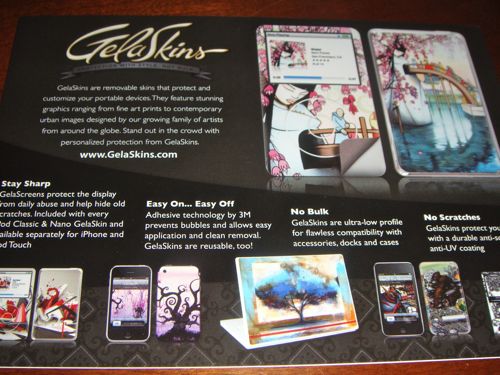
Many of us like to keep our overly expensive gadgets protected. We always want them looking like they did when we first pulled them out of the box.
There are several ways to do so.
Cases are popular, as are clear protective skins.
But GelaSkins are another way to not only keep your device pristine but also keep it looking stylish and personalized.
GelaSkins are removable covers for protecting and customizing your portable devices. They feature stunning, photo-quality graphics ranging from fine art prints to contemporary urban images designed by the company’s growing family of artists from around the globe.
I recently received a few GelaSkins for some of my gear.
Installing a GelaSkin is very easy. All it takes it a little bit of patience.
The skins themselves have a patented 3M adhesive that make them easy to apply and leave no residue left behind. The adhesive allows you to remove and reposition the skin so you can easily get a perfect fit. I tested this out myself and found it to be quite true.
On several of my installs I applied and then removed the skin multiple times so I could get it positioned just right. Each time the skin left no residue and keep its shape perfectly.
The skins themselves also have an anti-scratch and UV protective coating to them.
The toughest part about the GelaSkins is deciding which ones to order, there are so many to choose from.
The first skin I installed was for the Mac Book 13″ I own both the Mac Book Air and a 13″ Mac Book Pro and this skin would have fit either. The Mac Book Skin consists of one large piece that covers the front of the computer.
I chose to install it onto the Mac Book Air.
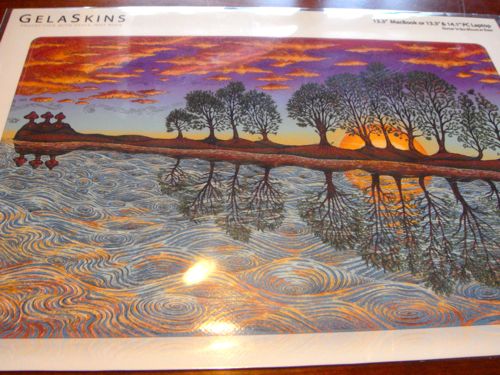
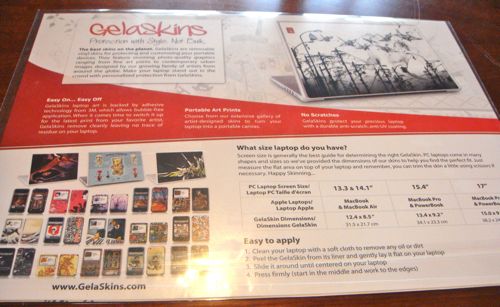
The installation is quite simple and very similar to that of a screen protector.
You simply clean your device and then apply the skin, centering it and smoothing out any air bubbles as you press it down.
If after installing it if you find it’s not straight you simply remove it and install it again repeating the process until you have it just right.
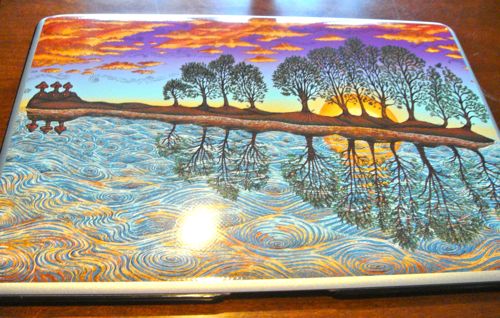
After I installed the GelaSkin I threw my Speck See-Thru Case back on and the GelaSkin shows quite nice through the smokey clear case. Even though it’s hard to tell from the photograph, when illuminated, the Apple on the front of the computer is actually still visible.

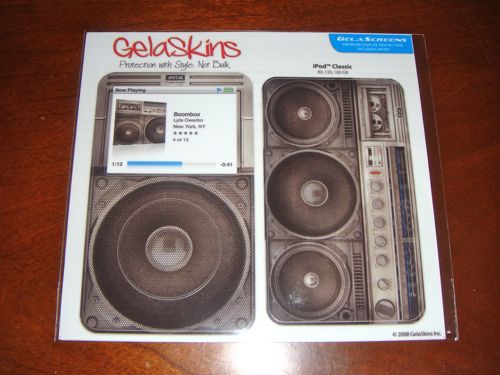
Next I installed the skin for my iPod Classic. The iPod Skins consists of several parts. A back piece, front piece, wheel piece, middle button piece and clear screen protector.
The first step is to install the clear screen protector and then the skin itself.
The skin for the iPod covers all of the back of the device but the chrome sides are left exposed.
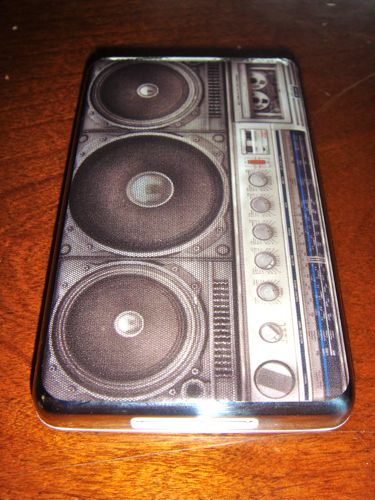
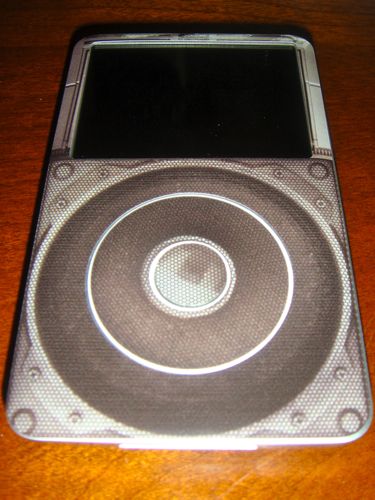
Coupled with the front piece you’re left with a really complete look.
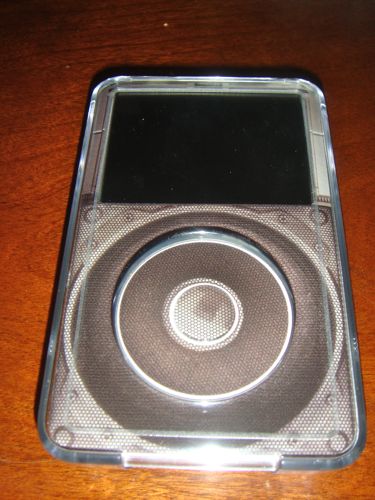
Once again I was able to further protect my iPod by combining the GelaSkin with my Belkin clear case.
Next up was my wife’s iPod Nano, 3rd generation.
The process and components for this skin are exactly like those of the iPod classic so I won’t do anything other than show you the finished result.
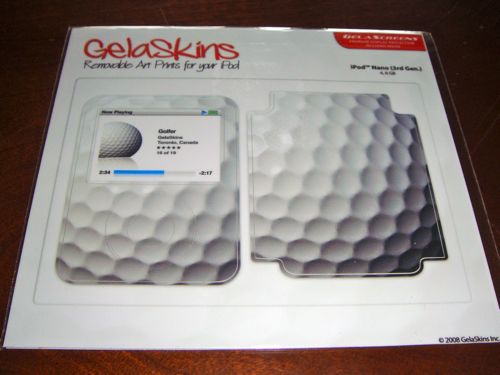
However the back piece for the Nano does cover more of the device than the iPod Classic. Much of the sides are covered and only the corners are left exposed.
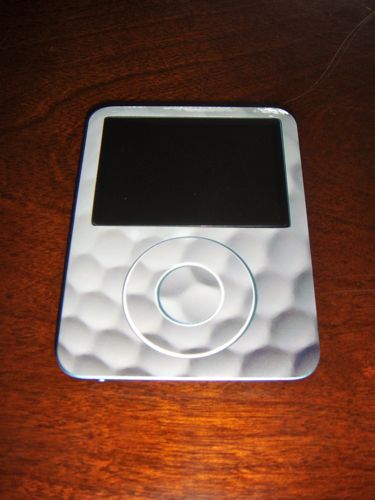
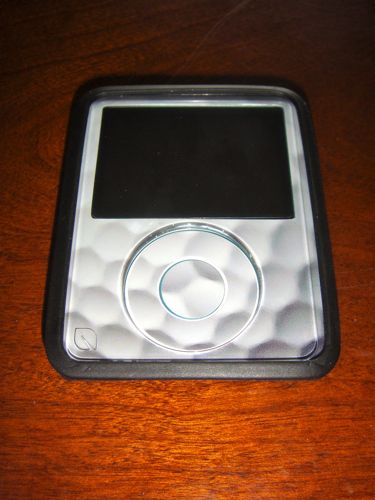
And once again there was no problem using the skinned device with my wife’s Incase.
I saved the iPhone skin for last. The iPhone GelaSkin consists of only a back piece. The skin however covers and protects much of the back of the phone including the chrome bezel along the sides. The bottom and top is uncovered.
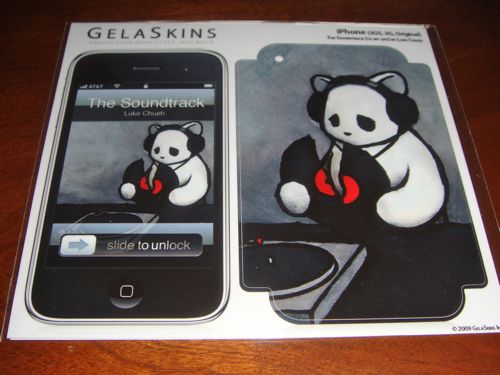
With a little patience you carefully line up the skin making sure the camera lens is positioned properly. Then you press down the skin, smoothing out the bubbles and pressing down the corners.
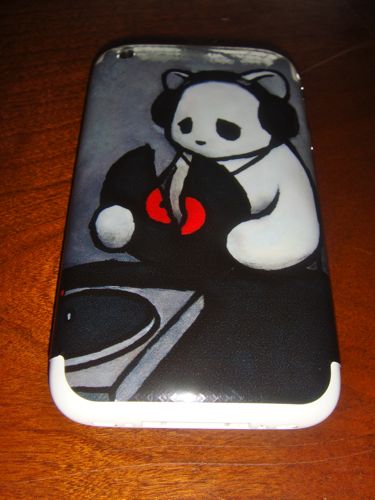
To further complete the look, after installing the skin you can head to the GelaSkins web site via your iPhone and download a matching wallpaper.
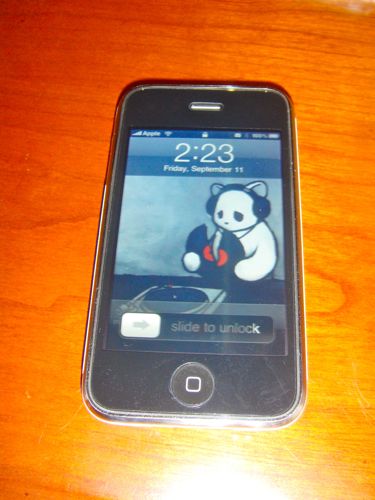
Although the iPhone version does not include a front piece you can bundle one of GelaSkin’s screen protector 2-pack for only $7.75. The 2-pack usually sells for $12.95 when purchased alone.
GelaSkins has product available for the following devices:
-Ipod Touch 1st and 2nd gen.
-Ipod Classic and Ipod Video
-Ipod Nano 1st, 2nd, 3rd and 4th gen.
-Ipod Mini
-Ipod 4th gen.
-Iphone, Blackberry and Motorola phones
-Mac & PC Laptops
-Gaming Machines
-Netbooks
With literally hundreds of designs to choose from you’re bound to find one that appeals to your personal taste. Probably even more than one. The skins are easily installed and easily removed. They leave no residue behind so you can remove them whenever you feel like it without worry.
What’s really cool about the GelaSkin product is the fact that they use real live artists to produce the designs for the skins. When you click on a skin you’ll get a brief bio on the artist who created it, see his/her other work and see all the devices his/her designs are available for.
Check out the GelaSkins web site for more information on the skins themselves as well as the artists behind them.
M.S.R.P. – range from $29.95 – $14.95
What I like – tons of designs for tons of devices. Easy to install and easy to remove.
What I don’t like – nothing!
