
Navigon’s latest entry into the increasingly crowded sat-nav market looks to be a cracker with a 4.3” display, Bluetooth hands-free phone and a sleek design that makes it easy to hide away when not in use. In my two week test of the Navigon 6300, it really impressed!
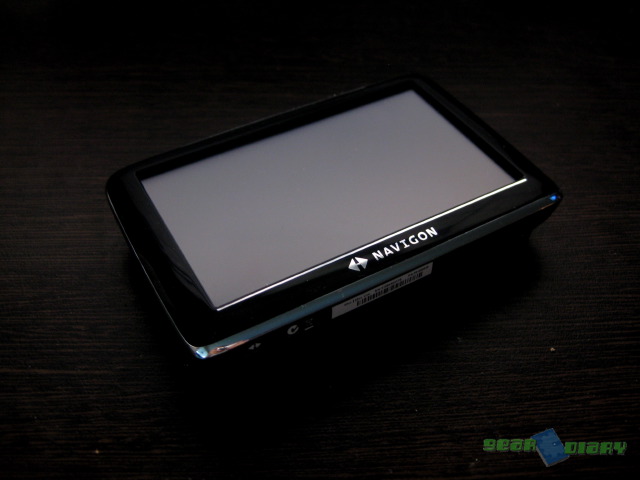
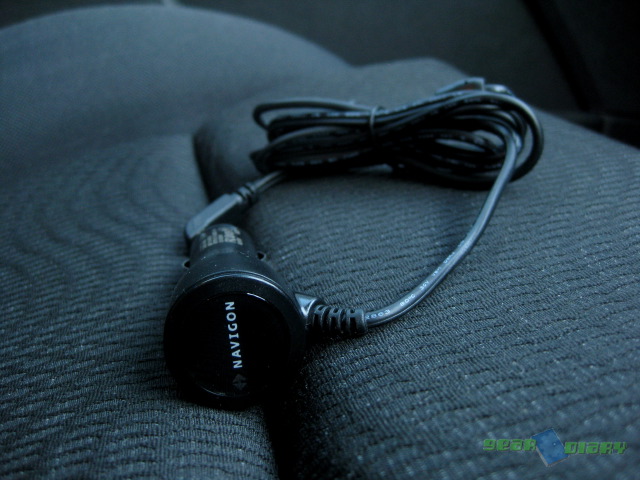
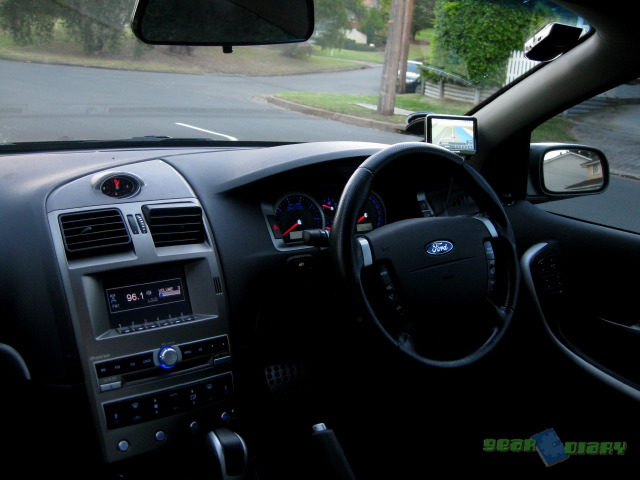
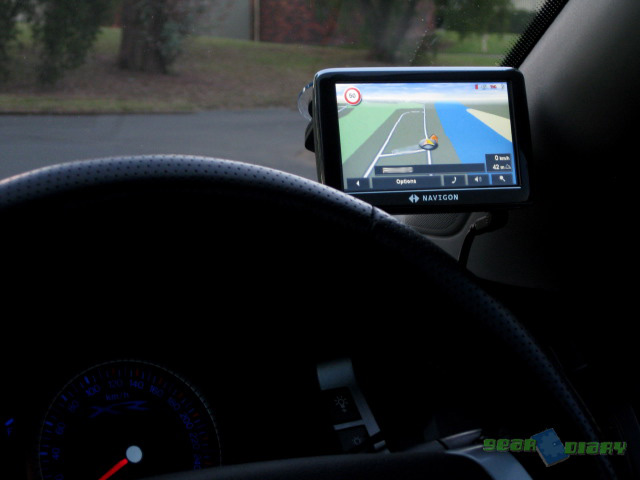
Out of the box you get everything you need to get up and running in the car. A very secure windshield mount is fully adjustable to achieve the best viewing angle, no matter what car you are mounting it in, and the power adaptor has a sufficiently long cord should your lighter socket be in an awkward position.
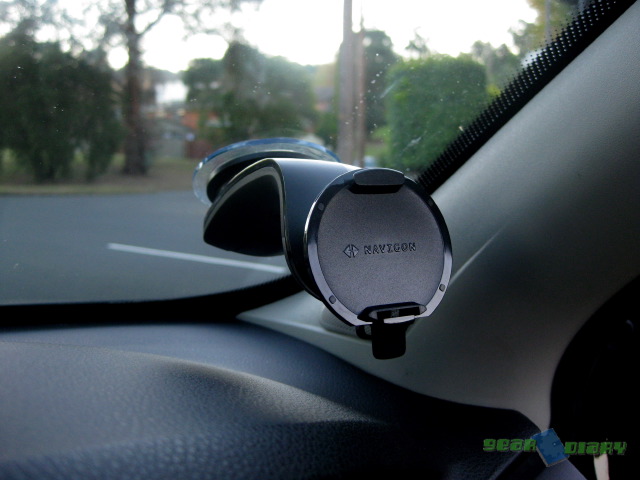
The unit itself is basically the size of a large PDA (remember those?). With its chrome and glossy black bezel it looks nicer than the flat grey you find on a TomTom. The attachment to the windshield mount was strong and easy to clip in, though it took a little practice before I could easily release it. On the plus side it never fell off the windshield!!
The UI is easy to navigate (har har…), but does lack a bit of the polish of its competitors. Hopefully this will be addressed in future versions.
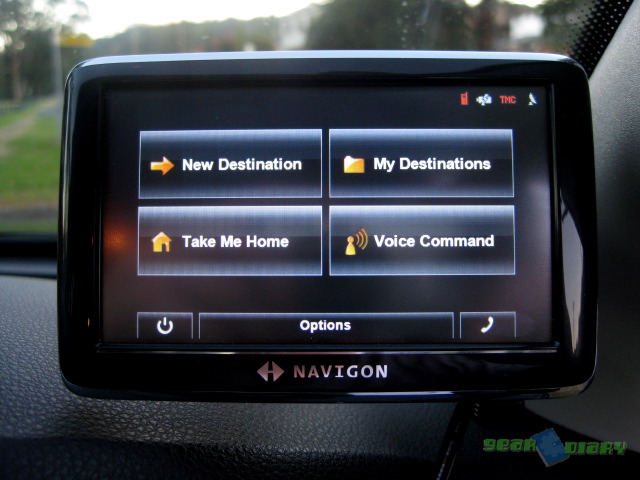
While the interface may look a little old-hat, that certainly can’t be said for the features list. Navigon have included all the niceties we expect from a modern GPS unit, with lane guidance, spoken street names, and warnings for everything, from cameras to school zones to points of interest.
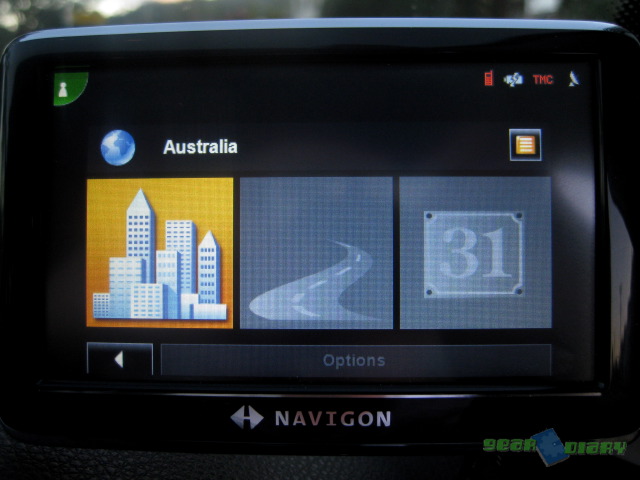
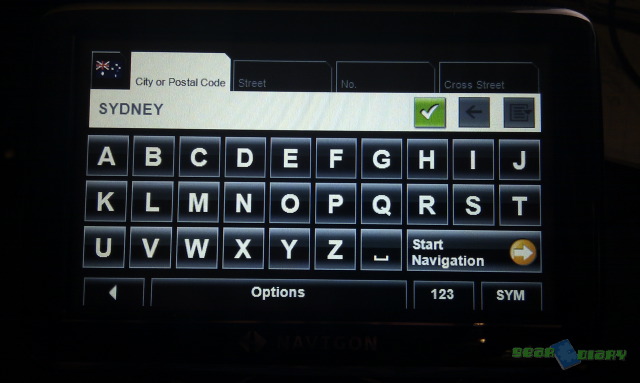
Setting a destination can be done either by typing or by voice. Yep, you can TELL the Navigon where you want to go. The recognition engine seemed very accurate, rarely misunderstanding even complex street and suburb names. Of course, you can always type the destination using the onscreen keyboard (though a QWERTY layout is noticeably absent).
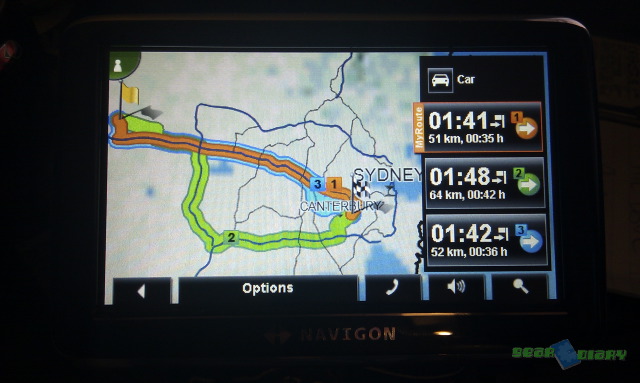
Once the destination has been entered, the Navigon quickly calculates up to three routes to get you there, when are all shown on the map and can be selected with the options on the right. The first option is usually the best but it’s nice to have the option to skip a toll road if an alternative is available. All the routes show their respective travel times, so an extra 5 minute drive an a $4 toll saved might be worth it.
Once you’re on the move you won’t need to look at the screen again, as the voice guidance is clear, and with the inclusion of spoken street names making the wrong turn in a complicated city is easier to avoid.
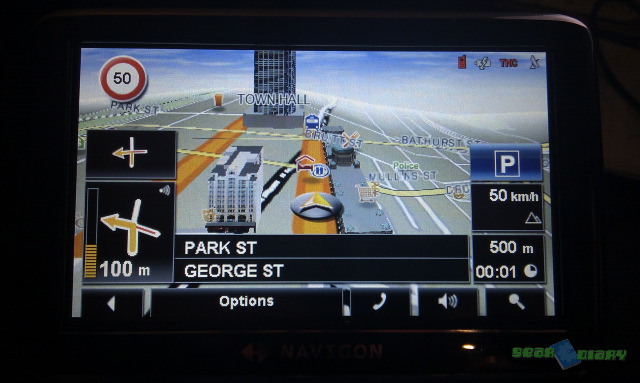
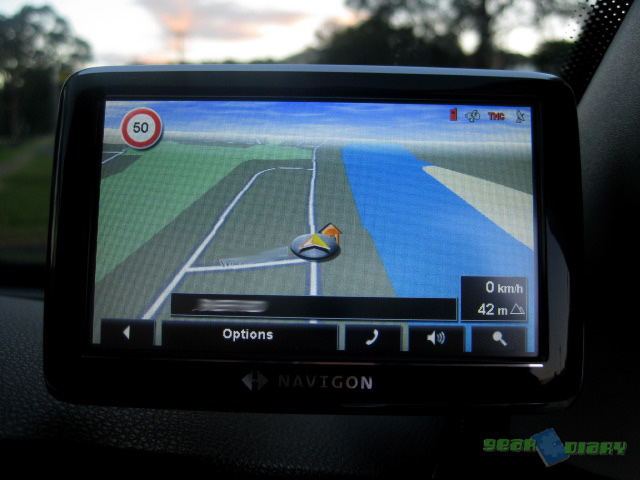
For the times you do glance at the screen you’re greeted with a very clear mapping display, that includes lane guidance, a godsend on some of the more complicated motor ways.
As a terrible map reader and one who can “panic” when a turn is coming up and turn too early, having these extra bits of help is great.
One of the nifty features of the 6300 is it’s POI database includes icons of popular service stations, restaurants and the like, so as you pass a Shell service station (“gas station” as American’s like to say :P) you’ll see a Shell logo floating over the top. It’s the little things…

The Bluetooth functionality worked really well, and since I don’t have a car kit installed in my new car, combined with the laws for talking on the phone while driving here in Australia, the hands-free functionality got a workout. The speaker on the 6300 is quite loud so hearing callers was not a problem, and the person on the other end had no issues understanding me either.

Not only can the 6300 pull your contacts over from your phone with the phone numbers, it can also pull the addresses! With one tap you can have the 6300 get you there.
If you are looking for a navigation device that can do a bit more than the average, the Navigon is certainly worth a look. With it’s large, clear 4.3” display, spoken street names and lane guidance it has all the latest features, in addition to being a very handy Bluetooth hands-free.
More information about the Navigon 6300 can be found on their website
MSRP: AU$499
What I Liked: Display, clear lane guidance and spoken street names, Bluetooth functionality
What Needs Improvement: Interface looks a little dated.

What is that thing in the upper right corner of the windshield?
Hey Mark, it’s a solar-charging bluetooth handsfree I picked up off eBay a month ago, going to be reviewing it as soon as I get the chance!
Hi, is it a separate step to install the unit into the windshield mount and plugging in the power plug? Or is the power plug integrated into the windshield mount?
Hey mate, unfortunately the plug is separate, I’ve often thought it would be great if the plug was integrated, would take out that extra step!
Thanks for the info. I’ve managed to google a 3rd party swedish mount which has the power plug integrated, and its a single step process to install device into the mount. The mount is for the Navigon 6310, but it looks similar to the 6300. If it works, I’ll go for it.