Apple iPhone Apps

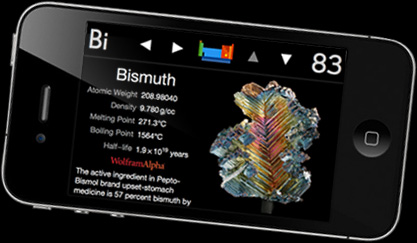
The Elements, by Theodore Gray Review: Adapted for the iPhone 4 by TouchPress

I spend a lot of time on my own.  My family is in Austin, but I work in Sunnyvale, leaving me with a two-week period where I’m, in essence, a bachelor who doesn’t date.  So when I’m in Sunnyvale, I revert to my true nerd state, spending extra time at work, obsessing over work-related details, making a nuisance of myself to workmates, writing posts for Gear Diary, and chatting incessantly about gadgets and tech.  By the time I get back to my room, I’m usually so beat that I just flop down on my bed (after inhaling some food), and…


Wolfgang’s Vault and Sonos Get Close…

Although I don’t own a Sonos system, it’s something that I’ve considered purchasing several times in the past. Sonos’ wireless, multi-room music system keeps getting more tempting, too, by adding new features, including streaming services and an iPhone app. Wolfgang’s Vault, on the other hand, I’ve been using for a while.  (In fact, you can find a couple of Gear Diary posts about it here and here.)  Drawing from the archives of the late Bill Graham, Wolfgang’s Vault contains decades of concert recordings from artists including Bruce Springsteen, David Bowie, James Taylor, Bob Dylan, The Doors, Elton John, Led Zeppelin,…


Omino for iPhone/Touch App Review

Games are advancing at a blistering rate and the iPhone has become a wonderful platform for today’s video games.  Most new games are all about reality and 3D graphics.  When I try to explain Atari or NES games to my son, he thinks it is crazy nothing was 3D and totally realistic.  The joy of playing 16 bit games while I was in Jr. High School cannot be explained.  With power-ups and level bosses, our idea of video games completely transformed into what would become modern-day gaming.  I still remember sitting up all night during the summer with my buddies…


Ooma Telo, Handsets and Advanced Services- Review

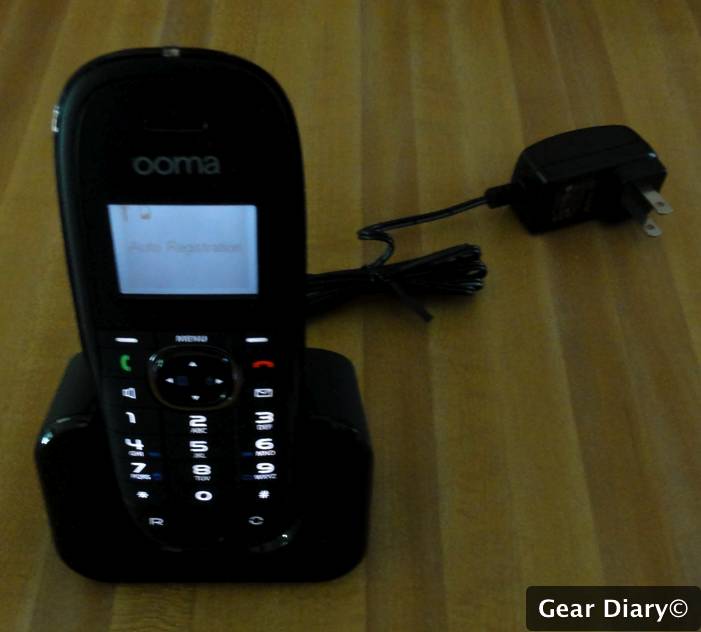
I love my Ooma. I know, I know; when you hear the name you think of Letterman- “Oprah-Uma, Uma-Oprah”, but Ooma isn’t a comedy bit. No, Ooma is a phone service that lets you buy hardware once and then get unlimited calls within the US and low cost calls internationally for the life of the unit. I’ve written about Ooma before, and while at CES in January, I previewed some of their upcoming services. Now I’ve had a chance to use the Ooma Telo and new features in my own home, so let’s take a look. But be warned… there’s…


Build-A-Lot for iPhone/Touch App Review

This week’s Blue Plate Special brings me a first…  The app was completely chosen by my wife.  My wife often plays the games I choose or she uses them, but rarely does she tell me about an app. So, I was playing poker the other night with all of the coaches and I texted her a few times expressing my woes of a slowly shrinking supply of chips.  The fact that she did not respond was not an issue, but about an hour later she replied, “Sorry, I saw your crying messages but I found this game that I can’t…


So Here’s What’s New At Evernote…

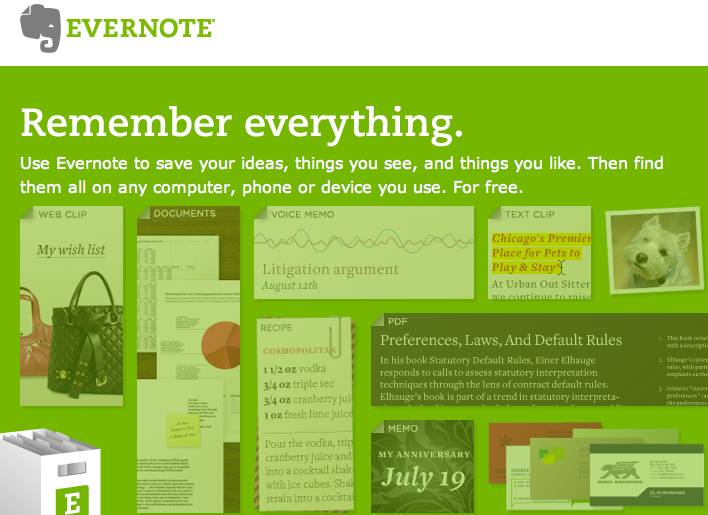
As I have noted time and again here on Gear Diary, I am a huge fan of Evernote and rely on it for everything from clipping web pages, to saving important emails to putting some of my rabbinic resource material where I know I can quickly access them no matter where I am, no matter what I am doing. Well I haven’t been all that happy with Evernote lately. No, for a little over a week Evernote has been hinting at something new and today they shared their plans. The news… overall Evernote is working to extend their system and,…


Daniusoft Media Converter Ultimate Converter and Ripper Review

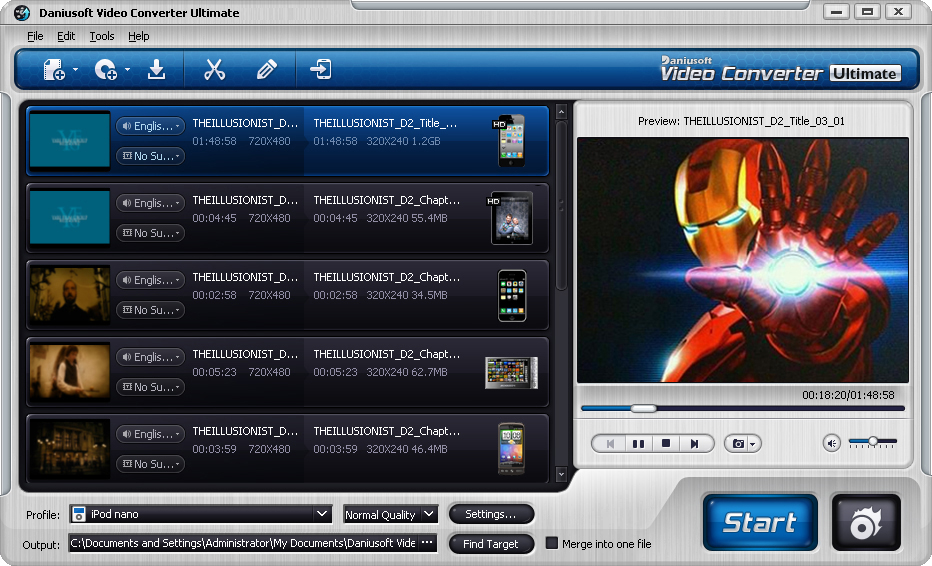
In case I haven’t bored you enough by mentioning it, I do a lot of travel.  Three-four times per month, I fly between my family in Austin, and my job in Sunnyvale in the San Francisco Bay Area.  I’m not complaining–at least I’ve got a job!–but it does leave me with a lot of time on my own waiting.  Waiting for planes to board, planes to get where they’re going, trains to arrive, trains to get where they’re going, etc.  And so I spend a lot of time watching movies and TV shows on my iPhone and laptop. Which is…


Something New Coming from Evernote Tomorrow… You’ll Know What It is When We Do…

I love Evernote. I live in Evernote. Evernote is killing me… Evernote has been teasing about something new coming for some time. They have blog posts up about it, are running a contest about it, and have reached out directly about it. But try as I might (and I HAVE TRIED) I can’t get a clue about what they are about to unveil. The only thing I do know is that it must be something pretty major. How do I know that? Simple… I’ve been following the company and using Evernote since the current iteration of the service was in…


iLuv iMM190 App Station Dock for iPhone Review

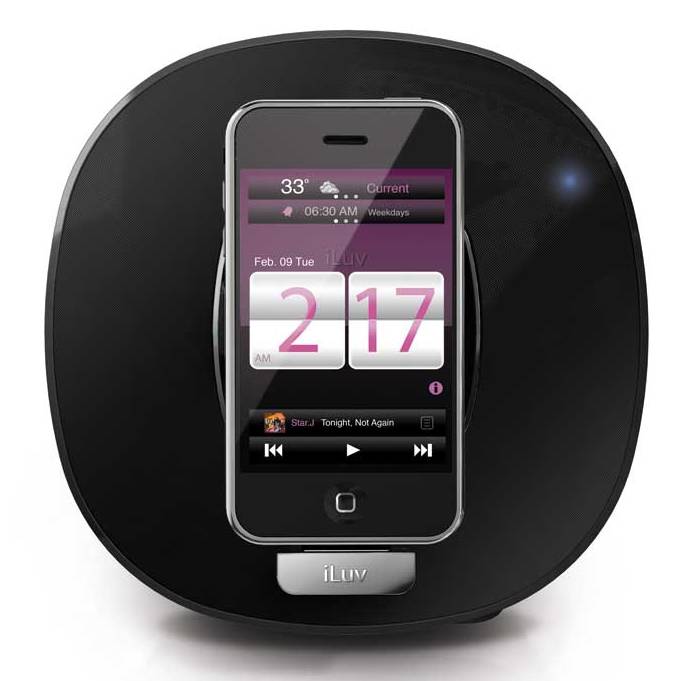
From iLuv- With its stylish oval design and alarm clock functionality, the iLuv App Station Alarm Clock Stereo Speaker Dock for iPhone 3G and 3GS or iPod is the ideal desktop sound system. The speaker dock stands horizontally or vertically, thus accommodating your device’s touch-screen view. The App Station’s key feature is its sophisticated alarm clock functionality with the iLuv App Clock for iPhone–available from the Apple iTunes Store. With the excellent speaker chambers, the App Station is powerful enough to deliver rich dynamic sound, while it charges your iPhone or iPod as you listen. The App Station shows great…


Fring + iPhone 3GS + Mirror??? = Two-Way Video Chat

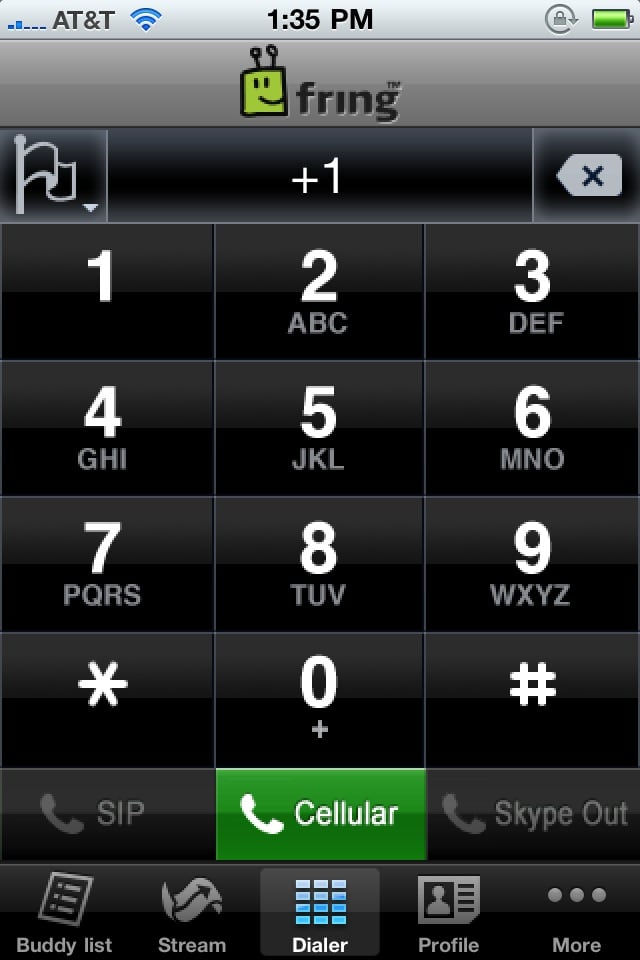
Yes it is a bit buggy, but Fring’s iPhone app does let you make video calls over 3G, and that’s something you just can’t do with FaceTime. No, the quality isn’t nearly as good, but it DOES WORK! How do I know? Because Larry and I just video chatted, and there isn’t a stitch of WiFi where he is at the beach. After making a video call iPhone 4 to iPhone 4 over 3G we decided to see what would happen if he installed Fring on the 3GS. He did… and it worked. There was just one problem… because the…


Adventures in Customer Service FAIL … Jott Edition

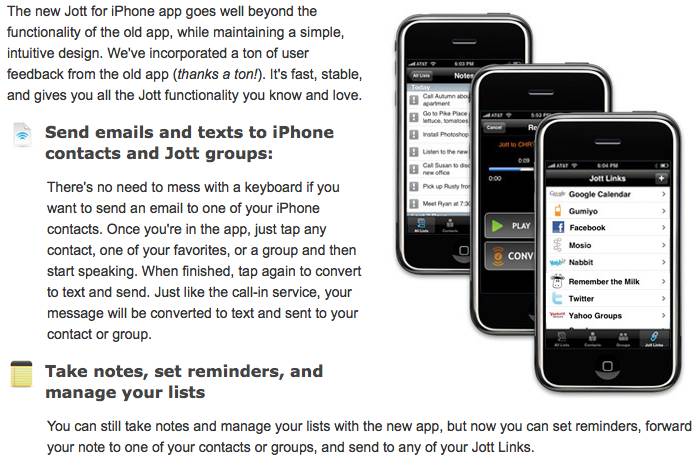
A few months ago I canceled my subscription to Jott. Between Reqall’s powerful voice-to-text memory system and Dragon Dictation I found that I wasn’t using it all that much. After a time however, I found that I missed being able to Jott new appointments to my Google Calendar and new tasks to Toodledo so I signed back up. This time I opted for the plan that lets you record just 15 seconds. It is much cheaper and would work fine since I only planned to use Jott for quick tasks and appointments only. But there was a problem… Jott stopped…


Air Display App Review

When I’m not using my iPad I’m doing most of my writing on a 13″ MacBook Pro this summer. The notebook works beautifully but after using a 27″ iMac for the last few months it can feel awfully cramped. That’s where the iPad app Air Display comes in. Let’s take a look and then give a few copies away… Developed by Avatron Software, the same company that created the amazing Air Sharing app, Air Display… …lets you position your iPad next to your computer, drag windows onto it, and interact with those windows as you would on any other computer…


Tiki Totems Premium for iPhone/Touch App Review

Well, the summer of addicting games continues!  I found Tiki Totems Premium on sale for free today.  The premium version includes over 200 levels and guarantees any new updates will come to your phone free of charge.  The game is basically a puzzler with a cute twist.  Here is the background story for the game. The tribes of the mythical island Tikonia have for centuries worshipped the Tiki God. All was fine and dandy until one day the tribe elder looked at the gathered worshipers and asked a simple question, “My beloved, how do we know that our great God…


CoPilot Live North America iPhone App Updated for iOS 4 and the iPhone 4 Retina Display

CoPilot Live North America has now been updated to fully support iOS 4 and the iPhone 4 Retina Display. What does that mean? Well first off it means the app is once again usable on your iPhone if you are using an iPhone 4. When the iPhone 4 was released last week the high res screen posed a problem for the CoPilot app. Just a few days later the issue has been resolved and all is working fine. The bigger deal is the fact that the app now fully supports iOS 4.0 and that means it will keep running even…


Instaviz For iPhone/Touch/iPad Review

How many times have you had to plan a project whether at work or home and best illustrated using a flow chart?  I know many times I have mapped out my plans in this form on a scratch piece of paper.  Instaviz makes this mind mapping possible on your iPhone, iPod Touch or iPad using a slick, yet simple interface.  The charts or maps you create will look professional and are customizable and quickly created.  Share your project easily with colleagues or friends right from the app.  Lets take a look at Instaviz and give you a chance to win…


Ooma Releases Ooma Mobile for iPhone- Neat Idea… but It Will Cost You

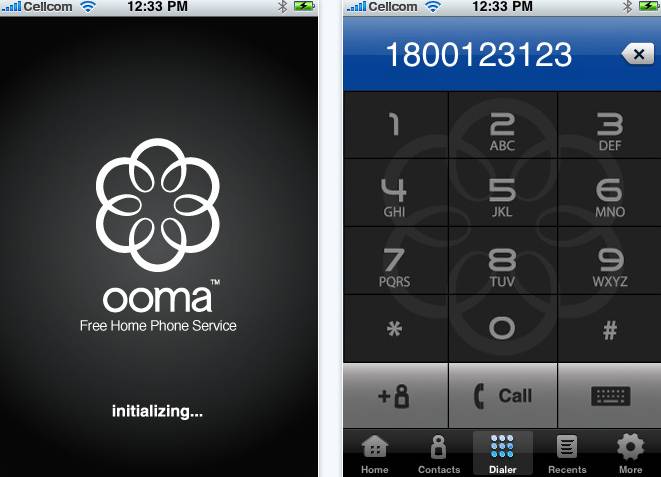
Ooma, the company that makes the stand alone VOiP phone system that lets you buy the hardware once and then make and receive free calls for the life of the unit, has finally released the iPhone app we first told you about in January. The app lets you “put Ooma in your pocket and take it on the go!” As the company explains– Ooma Mobile allows you to make phone calls over Wi-Fi using your iPhone, iPod touch, or iPad. Since these calls go over Wi-Fi instead of the cellular network, you can transform devices like your iPod touch and…


My iTunes Store Customer Service Interaction Was a Good One

I’ve done more than my share of complaining about Apple’s iTunes App approval process. And for good reason; they are, at times, far too heavy-handed and not nearly transparent enough. And I’ve done my share of complaining about Apple in general. And for good reason; while their products are awesome there are times when their secrecy and arrogance are over the top. So when I had an encounter with Apple’s iTunes Customer Service that was pleasant… and positive… I thought I owed it to them to share it. I got my iPhone 4 on Wednesday. I loaded all my apps…


Apple’s FaceTime Slight of Hand – It Isn’t About Video Chat

Two days into using Apple’s new FaceTime on the iPhone 4, and I’m coming to a realization… despite what Apple may say, FaceTime isn’t about video chat, it’s about Apple moving into yet another area of communications. Bear with me while I try to explain… With the arrival of over 600,000 new iPhone’s Apple has quickly introduced a brand-new communications system. Going by the name of FaceTime, it is the first implementation of mobile video chat that actually works. No let me correct that: it doesn’t merely “work”, it works really, really well! So long as you have a high-speed…


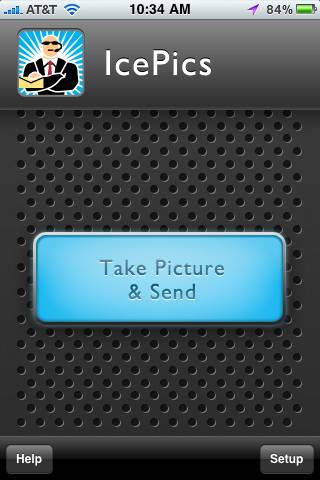
Bust Bad Guys with IcePics (In Case of Emergency Pictures) for iPhone

Wouldn’t it be awesome if you could just point your mobile phone’s camera at something or someone, press a single button, and without any further action on your part a picture — complete with GPS coördinates — would be snapped and instantly emailed to yourself, your spouse, a parent, your best friend, or … well, you get the idea. I can think of times where a feature such as this might be handy — like sharing the names and locations of newly discovered dive bars or hole in the wall restaurants with friends when you find them, or creating a travelogue of…


iOS 4 Multitasking Introduces New Popup Notifications and More

One of the reasons Steve Jobs came for the late arrival of any form of Apple-supported multitasking was the battery hit that occurs when multiple apps are running even after the user has moved away from that particular screen. The result is that only in the 4th iteration of Apple’s mobile operating system has any form of multitasking emerged and even with it there are strict limitations. As Larry and I discussed in last weeks Gear Chat, there are only a certain number of functions that can run in the background and, even then, developers have to retool their apps…


A Quick Test of Mobile Blogging From My IPhone 4

I’ve never been all that pleased with the various mobile blogging apps currently available for the iPhone. But with iOS 4 out and a new iPhone I thought I would give it a go once more. The image above is a screen capture from my iPhone. This picture is not…. It was just taken with the iPhone 4’s camera. The new version of the Blogpress app lets you directly upload and embed video via YouTube. How does it look? We’ll know soon enough.