Articles by Dan Cohen

iTunes App Store Originally NOT the Plan

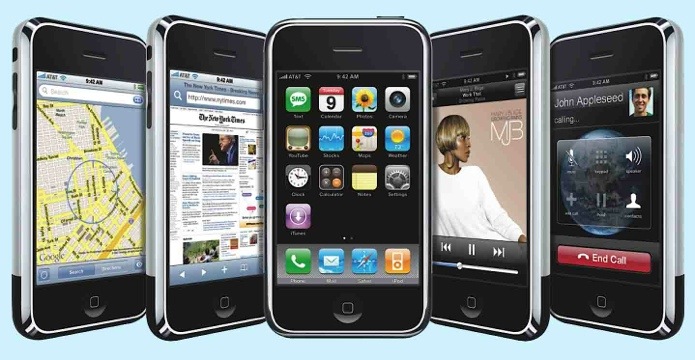
A bit of context or this post before we dive to the specifics. The first iPhone launched in 2007. At the time, Steve Jobs described it as a device that brought a media player, a web browser and a phone together in a single device. Jobs made it clear that he was going to “Think Different” and, therefore, there would not be any apps available for the iPhone beyond those already on the device as shipped. I was using Windows Mobile phone at the time and had a slew of applications for my devices. I looked at what I was…


Siri at Work: Update Yammer on the Fly

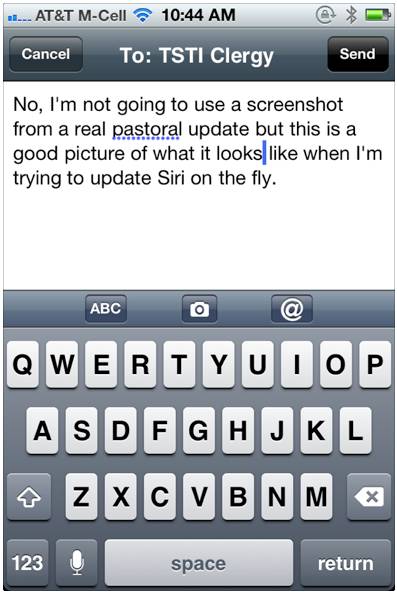
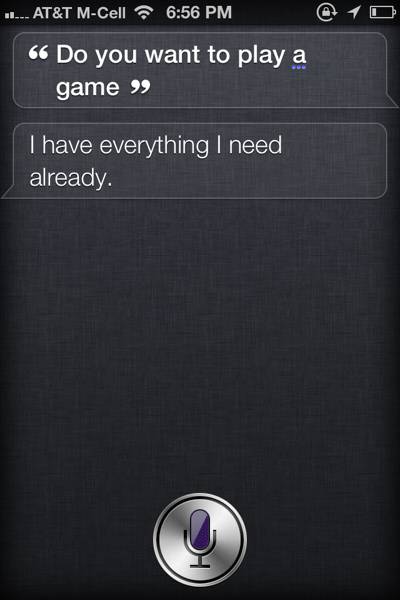
The term “game changer” is thrown around far too often. (I am as guilty as the next blogger.) But the fact of the matter is, for those of us who are using Siri seriously, it really is a game changer. In this post I want to take a quick look at one of the many ways that Siri is transforming what I do and making it easier and more efficient than ever. A bit of background first. In my congregation I have the privilege of working with three other members of our clergy team. In addition, I have a full-time…


Xtreme Mac’s InCharge Sync Dock is Perfect for Multiple iOS Device Homes

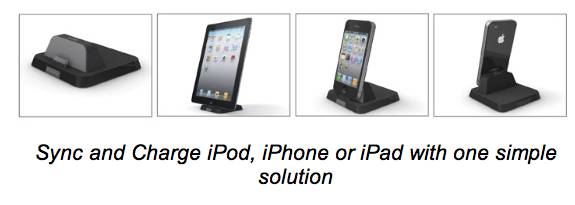
  So you have an iPad, and an iPhone and your kids each have an iPod touch. Keeping them all charged is a challenge and, if you want to use a dock/cradle it is almost impossible since each device has a different thickness. Now, thanks to XtremeMac’s InCharge Sync adjustable dock for iPod, iPhone and iPad you can have one dock to rule them all. The new dock not only accepts all different iOS devices but it is even case-friendly thanks to an adjustable rear support that can accommodate different device depths. Better still, the InCharge Sync includes a 4ft USB…


Home Audio Review: Orb Music Streaming System

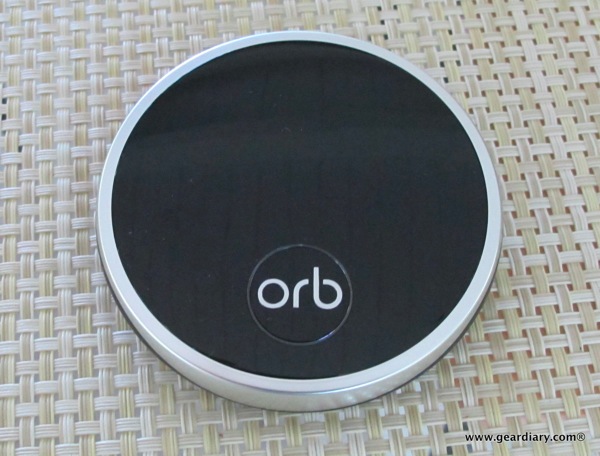
Elana is all but sick of hearing my content refrain of “Have I told you how much I love our Sonos System?” It is at that point that she reminds me that, while she enjoys the music when it is on, the Sonos system is definitely my baby. She’s right. It is one of the best purchases I have ever made. Here is the thing though: the Sonos system worked for me for two reasons. First, at the time I didn’t have a serious music system in the house and, second, I was willing to make the investment to set…


iPhone Battery Case Review: Third Rail System For iPhone 4 & 4S

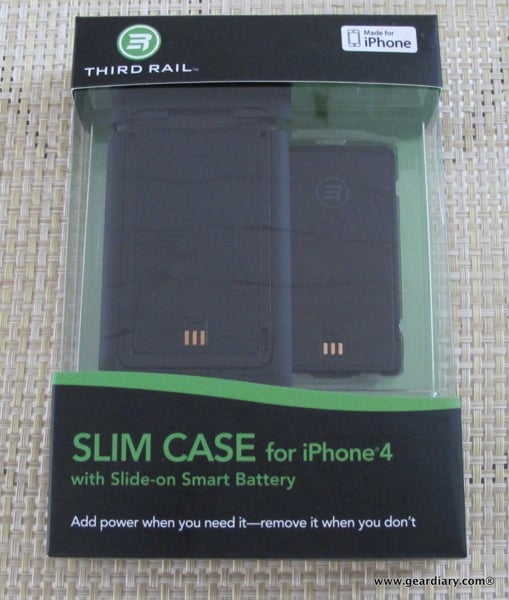
We’ve discussed it before — battery life is the Achilles heel of mobile electronics. Devices are faster and more powerful than ever, and battery technology just can’t keep pace. Now word comes that, despite claims to the contrary, the iPhone 4S may not have battery life that is on par with the iPhone 4. So what are those of us who depend on our smartphones for just about everything supposed to do? There are some great tips and tricks for saving battery life, but most require temporarily crippling some of the phone’s features. But who wants to constantly be tweaking one…


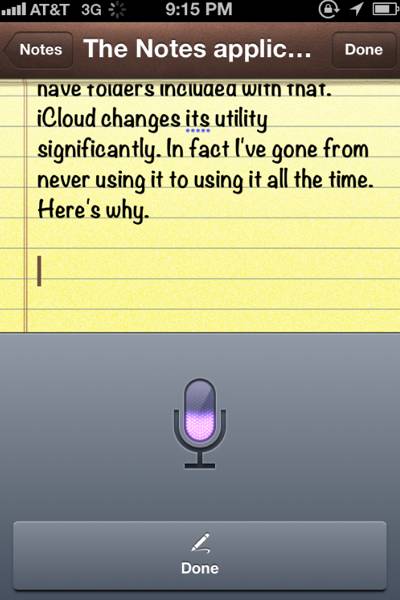
Enough Fun and Games; Tips and Tricks for Using Siri for Productivity

Siri is a lot of fun to play with, but it is time to get down to business. After all, with a little bit of patience and a few (many?) tweaks, Siri can become an amazingly useful productivity service. Truth be told, for the first few hours I was trying Siri I thought it was a big fat fail. After making some of the changes I want to share with all of you however, I already can’t see having to go without it. So let’s jump right on in. Home Button? You don’t need no stinkin’ Home Button Yes, you…


iPhone 4/4S Case Review: Aranez iPhone 4 Mirage Leather Case

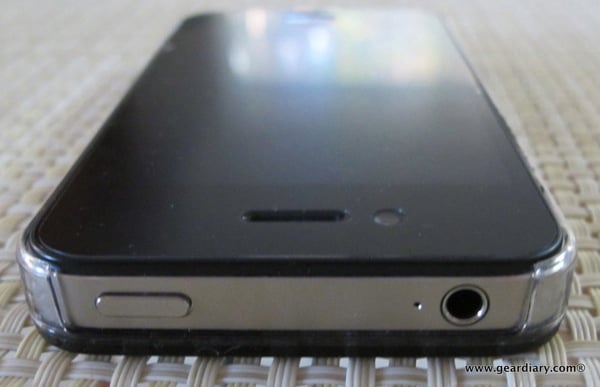
Can you see a case on this iPhone? Sure you can but you have to actually look closely to see it and that is the point. Aranez’s iPhone 4 Mirage Leather Case protects the sides and back of your iPhone 4 or iPhone 4S yet has a low profile that all but disappears. Better still, while most minimalist cases are made entirely from synthetic materials this case has a back plate made of kangaroo leather. The company sent review units of both the black and the white version. If you like a minimalist approach when protecting your iPhone and you…


iPhone 4S First Impressions

Carly got her iPhone 4S first thing in the morning. If my recollection is correct, by 8:30am she was on her way to work with a newly activated handset. Her first “Siri-enabled” email came just moments later. I was less fortunate. UPS didn’t arrive until much later in the day and, once the phone arrived, it still didn’t work for hours thanks to AT&T forgetting that there would be a number of phones needing to be activated.Their system choked and my iPhone was, at least for the first few hours, a brick. It was a beautiful brick but it was…


iPad 2 Keyboard Case Review: Belkin Keyboard Folio

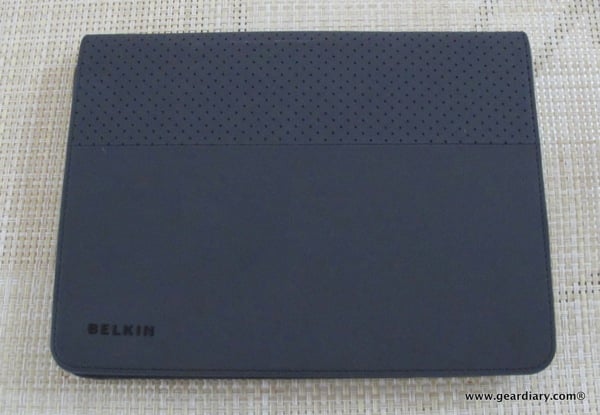
Yesterday I was speaking with someone who, at one point, pulled out his iPad 2 and looked up an address. I asked him how he liked the tablet and he replied that he loved it. He then went one to share with me that his company had given every employee one and, since doing so, very few are actually using their laptops anymore. It is a story that is being repeated in business after business, school after school and home after home. He also told me that while he likes typing on the on-screen keyboard, many colleagues don’t and they…


iCloud Quick Tip: Manage Your Backups!

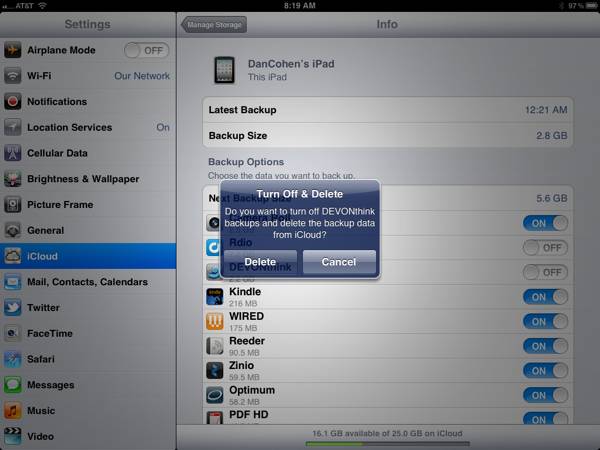
I’m already a big fan of iCloud and its ability to seamlessly back up your iDevices without your having to even think about it. I liked it so much that, even while still in Beta, I upgraded to a 25GB account (20GB paid, 5GB free). That should be plenty of space but, as it turns out, it wasn’t. Not by a long shot. In fact, when I checked this morning (Settings, iCloud, backup…) I had just 1.5GB of space left. I tapped “Manage Storage” and immediately saw the culprit. My iPad was using 12.8GB for backup and my iPhone was…


iOS App Review: MyTunes from SRS Labs

In my experience, new iOS applications fall into one of a number of categories. There are “Wow” apps; these are the ones that are released into the iTunes App Store that blow you away from the very start. There are “Ow!” apps; these are the ones that are released into the iTunes App Store, and you wonder how they ever got through Apple’s screening process in the first place. Then there are “Not quite now” apps; these are the applications that show a great deal of promise but are not quite there… yet. You want to keep them on your…


Bluetooth Headset Review: Jabra SUPREME

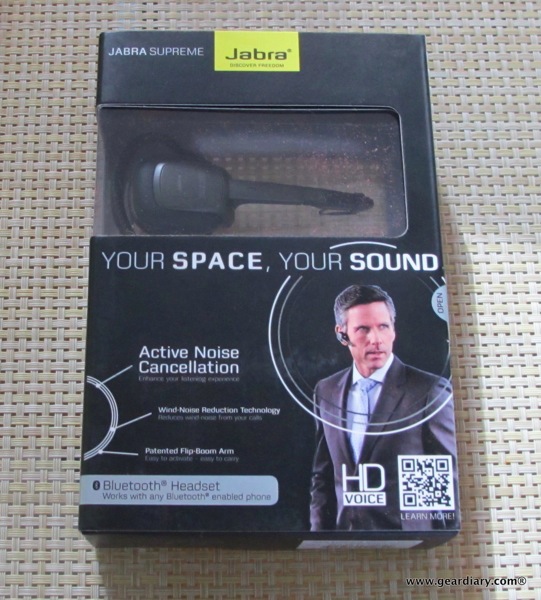
I have been using one specific Bluetooth headset in my car for the past year or so, but I lost it a few weeks back. Okay, I didn’t exactly “lose” it but, rather, my wife Elana took it. I was thrilled to have her take the headset because: A. She’s my wife, and I like her to have stuff she wants B. She’s my wife, and I wanted her to have and use a headset so she would be safer on the road C. I knew I had a headset on the way that would be just as comfortable and…


More iOS 5.0 Fun as Apple Releases New Apps

Today is shaping up to be a fun day for anyone who loves their iPhone, iPod touch or iPad. As you know iOS 5.0 should be released some time today. That also means iCloud is coming and, of course, the iPhone 4S arrives Friday (although reviews are already coming in, and it is awesome). The fun has already started with two new apps from Apple being released. The free Find My Friends app that was discussed last week is now live in the iTunes App Store. We will be trying it out and will bring a full review shortly. Grab…


iCloud Quick-Tip- Get Your Contacts Into iCloud

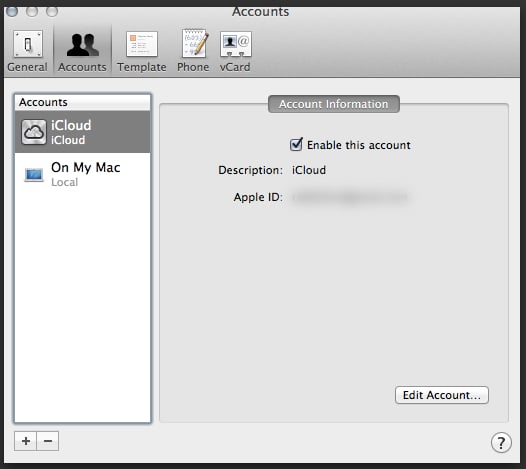
iOS 5.0 and iCloud go live later today. With them come a host of opportunities to have all of your Macs and iDevices works together flawlessly. (Or at least we hope flawlessly since the initial MobileMe rollout was a disaster.) One issue that came up for me was the desire to get away from using Gmail as my address book and move all my contacts to iCloud. The reason for this is rather simple — I want one set of address book data and I cannot stand the anemic way Google handles things in this regard. There are numerous way…


After Months of iOS 5.0 Beta, Newsstand Finally Works

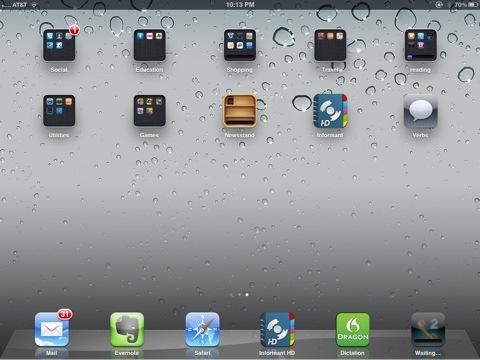
Since the very first beta of iOS 5.0, there has been a useless icon that simply sat there. Yes, the Newsstand icon was there … and there was absolutely nothing you could do with it. You could not delete it because it is an iOS app. You could not shove it into a folder because… Well, because you couldn’t. And there were no magazines or newspapers to populate it. Such is the reality of using Beta software. Well, just now that changed… An update to Wired magazine moved my subscription into Newsstand. Look, I love Zinio, but having all my magazines…


iPad 2 Accessory Review: Cygnett CarGo Car Mount

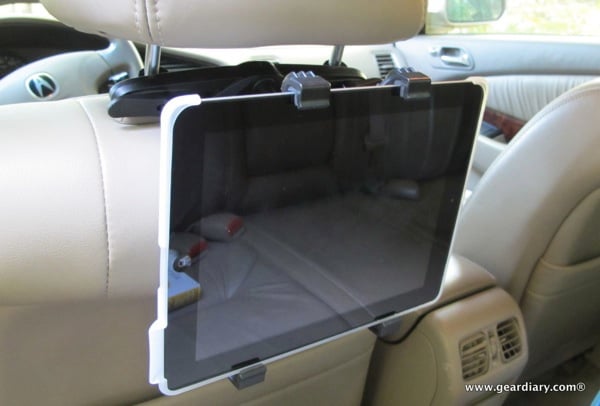
  Using the iPad as an in-car media system isn’t a new idea. No, it is as old as the iPad itself. (Okay, so that means it is kind of a new idea. Whatever…) We’ve seen a number of systems that allow you to use the iPad in just this way and, over the past week or so, I’ve taken a look at yet another one. The Cygnett CarGo Car Mount for iPad 2 might fall right in with the pack except for two things that stand out. First, it offers a quick-connect system that lets you put it in place…


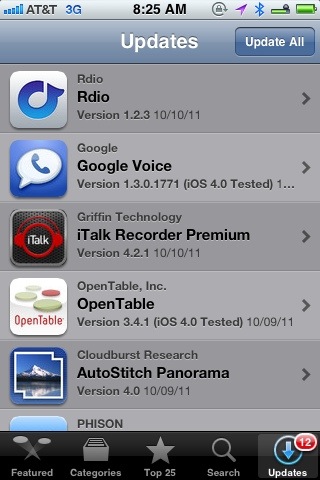
Let the iOS App Updates Begin!

iOS 5.0 is on the way shortly. I’ve been using it since the first beta, and I can guarantee you will love the new features. The ability to edit pictures in the photo app, iMessenger, macro typing shortcuts (ala TextExpander), iCloud, notifications, reminders, improvements to the email app… The list of improvements goes on and on. If you have an iPhone 4 or an iPad 2 you will want to update immediately. If you are using an original iPad or an iPhone 3GS, then I suggest holding off a bit. I’m using the Gold Master on a 3GS and while it…


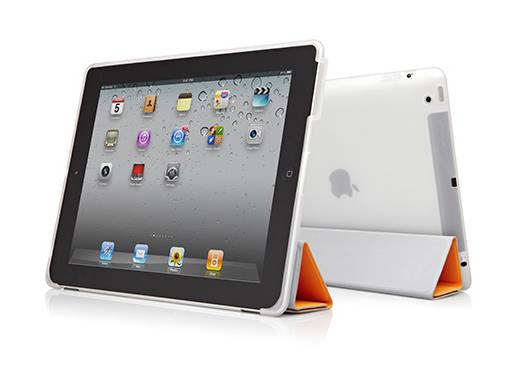
iPad Case Review: Cygnett SmartSound for iPad 2

If you want to use Apple’s SmartCover with your iPad 2 but also want to protect the back of your tablet there are a decent number of options currently available. Cygnett’s SmartSound for iPad 2 is yet another option but this one comes with a special “something something” that may make it a good choice if you are looking for this style of protection. From Cygnett: The SmartSound case is designed to work in tandem with Apple’s Smart Cover, seamlessly interacting with its magnetic detachable cover and automatic sleep/wake function. With SmartSound and Apple Smart Cover working together, the front,…


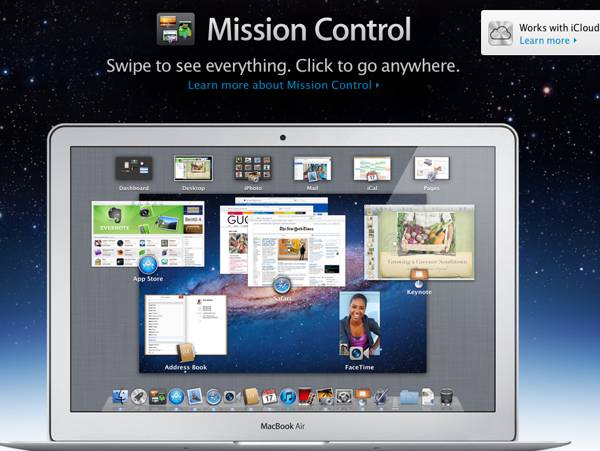
OS X Lion Quick Tip: Reorder Windows in Mission Control

  UPDATE (With apologies): Turns out this is only in the current Lion Beta, something I never would have imagined. Thanks to Rodney for pointing it out. We’ll let you know when it makes its way into a full release since it is quite useful! The more I use OS X Lion the more I like the features it brought to the Mac and, although it can be a bit inconsistent, I am really learning to appreciate fullscreen apps. I’m liking Mission Control more and more too. The only issue I have had has been the fact that when I…


Tech/Travel Clothing Review: the New SCOTTEVEST SeV Button Down Shirt

I love when SCOTTEVEST comes out with new products. I love it even more when I get the chance to review new SeV products right as they are rolling out. This time around the company has finally brought out a button down shirt with SeV’s signature pockets and style. Yes, the new SeV Button Down Shirt is now available! I was thrilled THRILLED when I heard these shirts were being released. After all, my preferred dress is jeans, boots and a somewhat casual button-down. These looked like they would fit the bill perfectly and would only serve to further my…